 ChessPigeon
Play a game, then review what happened
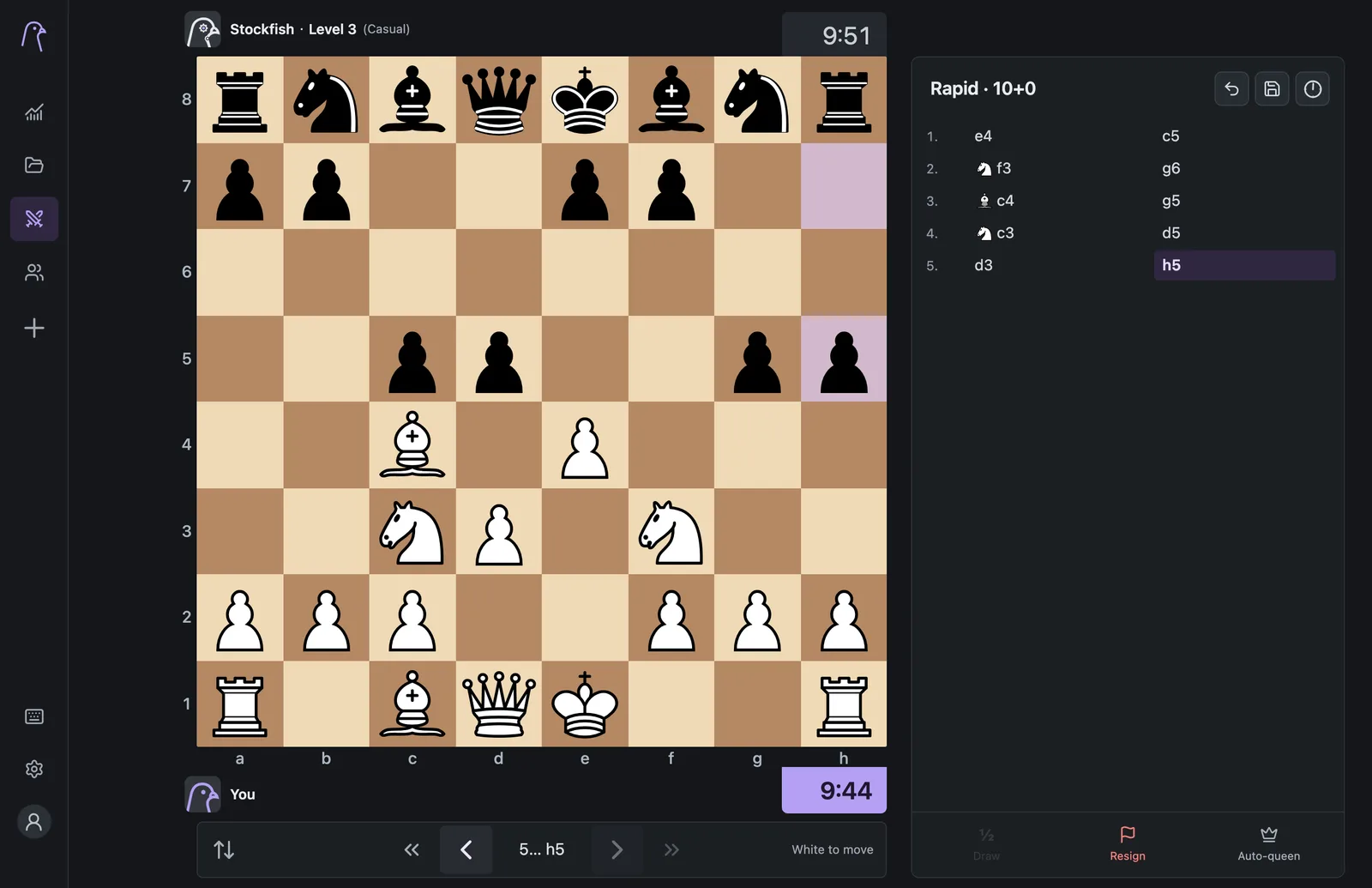
Take on Stockfish at eight difficulty levels, or send a friend a link and play online. When the game ends, open it in Analysis with one click and find out where it turned.
Computer games run entirely in your browser.
Two ways to play
A patient computer or a friend across town
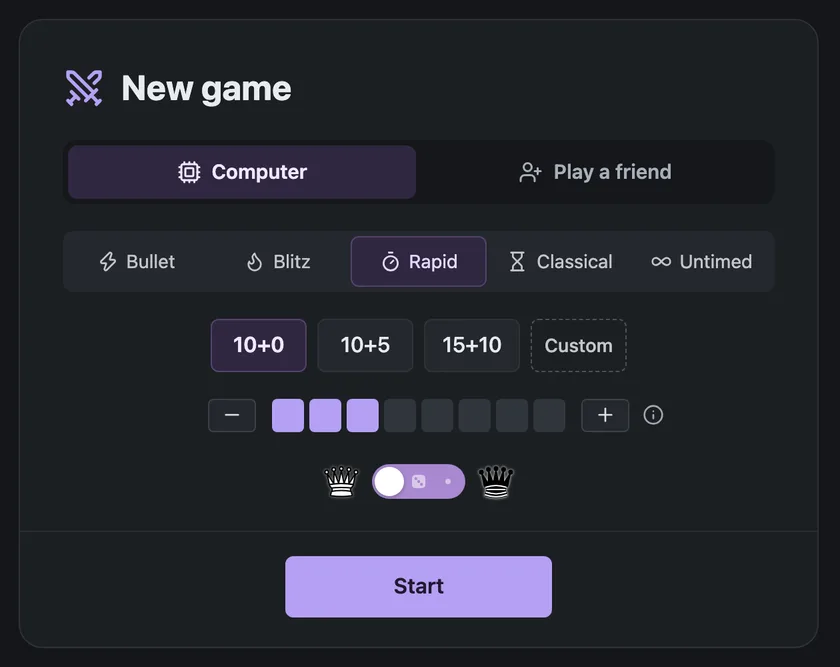
Computer games run on your device. Pick a level, a time control and a colour, then press Start.
Play a friend creates an invitation link. Send it, and the game starts as soon as your friend opens it.
- Bullet, Blitz, Rapid, Classical, a custom timer or Untimed
- Play as White, Black or a random colour
- Premoves and an Auto-queen switch
- Take back moves against the computer with Back
Difficulty
Eight pigeons, from forgiving to relentless
Each level is a playing style, not an Elo rating. Lower levels deliberately overlook some moves, so they miss threats and leave pieces hanging. Maximum makes no deliberate mistakes, but can still miss better moves.
| Level | Playing style |
|---|---|
 1. Beginner | Very forgiving |
 2. Easy | Frequent mistakes |
 3. Casual | Misses threats |
 4. Intermediate | Requires planning |
 5. Challenging | Fewer chances |
 6. Very hard | Accurate play |
 7. Expert | Few deliberate mistakes |
 8. Maximum | No deliberate mistakes |
Time controls
Presets for every pace
| Speed | Presets (minutes + increment in seconds) |
|---|---|
| Bullet | 1+0, 1+1, 2+1 |
| Blitz | 3+0, 3+2, 5+0, 5+3 |
| Rapid | 10+0, 10+5, 15+10 |
| Classical | 30+0, 30+20 |
| Custom | Any time up to 180 minutes, with up to 60 seconds of increment |
| Untimed | No clock at all |
After the game
From the last move to the first lesson
Finish the game
Play to mate, resign or run out of time. Against the computer, Back removes your last move and its reply if you want another try.
Open in Analysis
Press Open in Analysis under the board. The game opens in Analysis with names, result, clocks and time spent on each move.
Find your turning point
Run the review and check the graph. Use Save at any time to keep the game in My games on this device.
Good to know
Important limits
- No matchmaking
- You can play the computer or a friend you invite. There is no public opponent search.
- No ratings
- Games are not rated, and the difficulty levels are not calibrated to any rating scale.
- Invitation links
- An unused friend invitation expires after ten minutes. Once accepted, the same link lets your friend rejoin, even from another device.
- Online rules
- Back is for computer games only. Draw offers work in online games; Stockfish doesn't accept them.
- Connection drops
- If an opponent disconnects, they get a reconnect allowance based on the speed of the game before they lose by abandonment.
- Stored games
- Finished online games stay on the server for 24 hours. Save the game to keep your own copy.
Help
Related instructions
Pick a pigeon and play
Start at Beginner, or go straight for Maximum. Either way, the review is waiting afterwards.