 ChessPigeon
Understand your games
Play together
Teach together
ChessPigeon is a browser app for chess game analysis, online lessons and play. Review games with Stockfish, teach on a shared board, or play a friend or the computer.
Choose your task
One board for studying, teaching and playing
Everything happens on the same familiar board, so a game you play can become a game you review, and a game you review can become a lesson.
Review a game
Import a game, let Stockfish rate every move and find the moments where the game turned.
Explore Analysis →Teach a lesson
Share one link and teach on a live board with arrows, chat and shared control of the moves.
Explore Classroom →Play and practise
Play Stockfish at eight difficulty levels or invite a friend, then review the finished game.
Explore Play →How it works
From game to insight in three steps
Bring in a game
Paste PGN or FEN, drop a file, or find your recent Chess.com games by username.
Run a review
Press Analyze game. Stockfish checks every position on your own device and marks each move from Best to Blunder.
Explore and keep it
Try your own moves, then save the game to this browser, download a PGN backup or copy a share link.
Analysis
See exactly where the game was decided
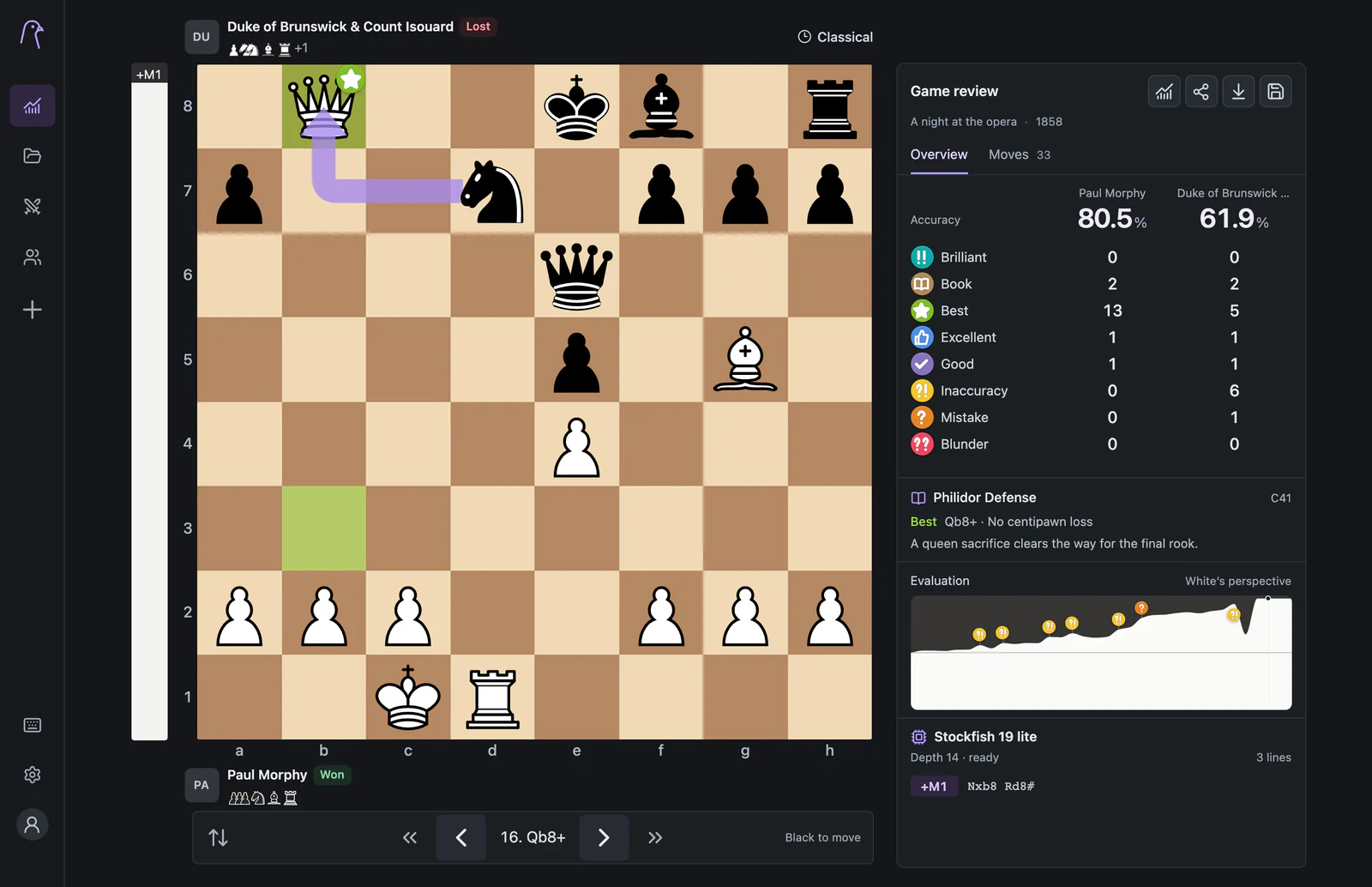
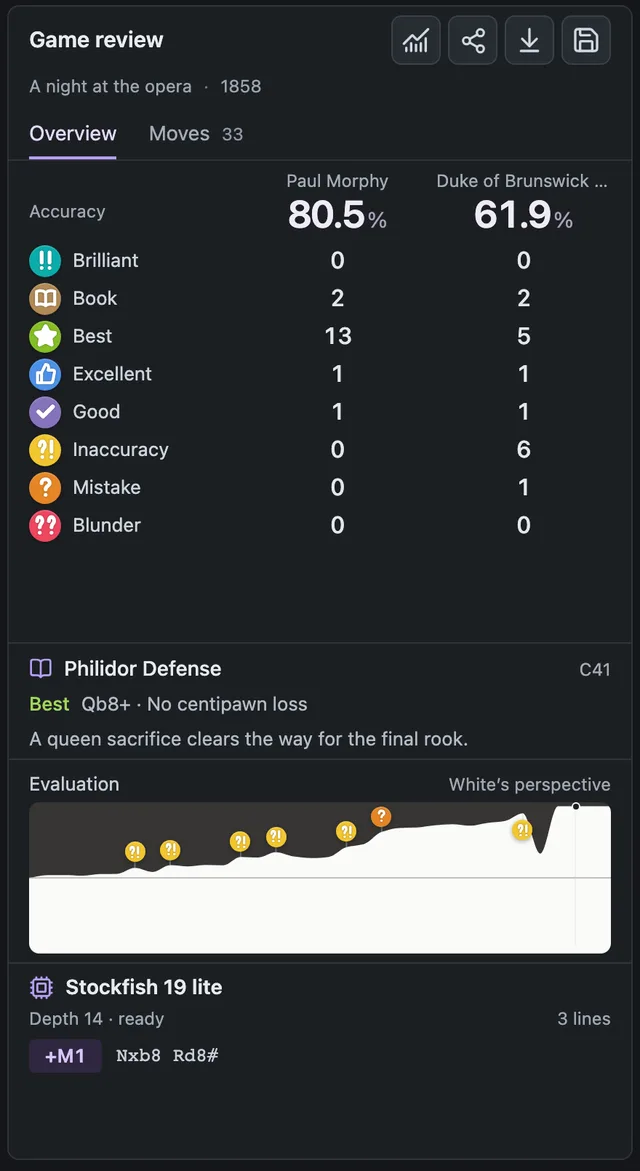
Accuracy for both players, labelled moves and an evaluation graph point you to the few moments worth your attention, instead of a wall of engine numbers.
- Accuracy and move labels summarise each player's game.
- The evaluation graph marks inaccuracies, mistakes and blunders. Click it to jump there.
- Engine lines show Stockfish's best continuations. Click one to play it on the board.
Try it here
Replay a 170-year-old masterpiece
Step through Morphy's Opera Game move by move, then open it in ChessPigeon to run your own review.
Morphy vs Duke of Brunswick & Count Isouard, Paris 1858
- 1.
- 2.
- 3.
- 4.
- 5.
- 6.
- 7.
- 8.
- 9.
- 10.
- 11.
- 12.
- 13.
- 14.
- 15.
- 16.
- 17.
Starting position. Step through the moves.
Classroom
Teach on the same board, wherever your students are
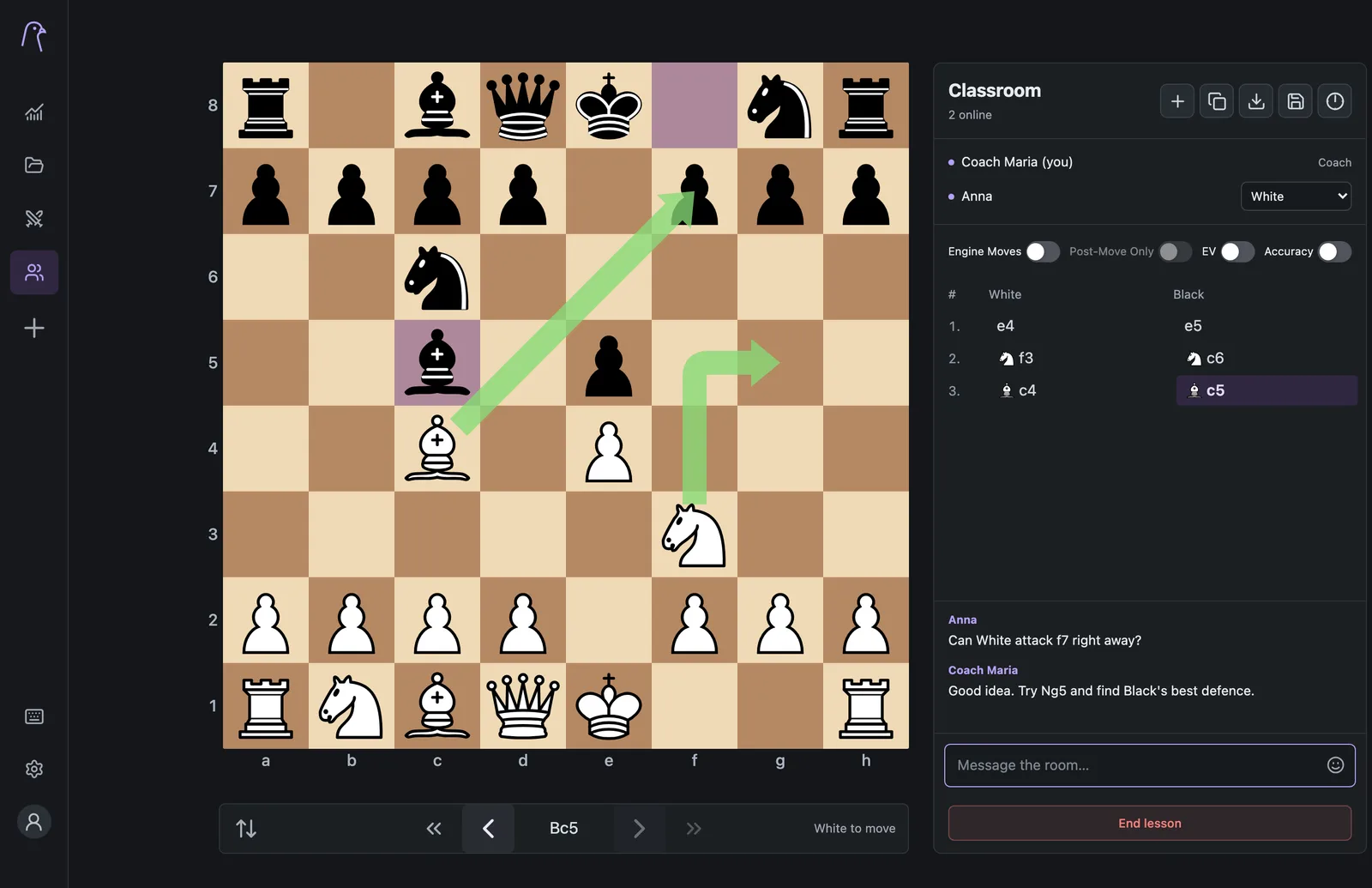
Create a lesson, send one invitation link and your students appear on your board. They join with a name.
- Shared arrows and highlights on a live board
- Give a student White, Black or the full board
- Chat, emoji and raised hands
- Optional engine help that only the coach switches on
- Save or download every lesson game
Play
Play a game, then learn from it
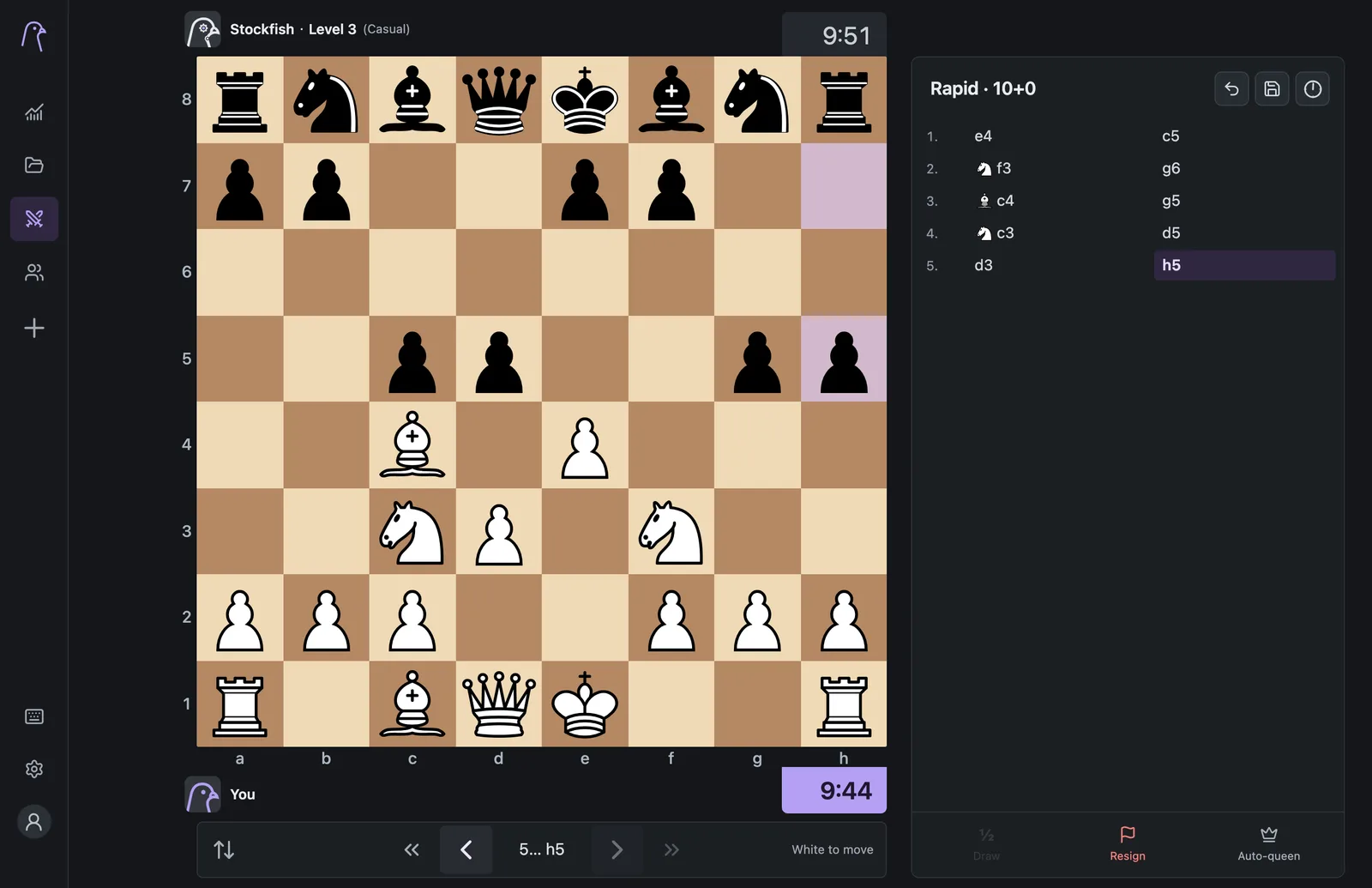
Choose a pigeon from Beginner to Maximum, pick a time control and play. When the game ends, one click opens it in Analysis.
- Eight difficulty levels described as playing styles
- Bullet to classical clocks, custom timers or untimed
- Take back moves against the computer
- Invite a friend with a link
Good to know
The practical details
- Your games
- Saved games stay in this browser on this device. Download a PGN backup any time. How storage works
- The engine
- Stockfish runs on your device, so reviewing a game doesn't upload it anywhere.
- Devices
- Works in current desktop and mobile browsers. Drawing arrows needs a mouse or trackpad.
- Lessons
- Anyone with the invitation link can join. Lessons stay open for up to six hours.
- Privacy
- Read how your data is handled in the privacy policy.
Learn
Guides with worked examples
How to analyze your chess games
A five-step method for reviewing your own games, worked through on Morphy's famous 1858 Opera Game.
Read the guide →How to open and study a PGN file
What a PGN file contains, how to read it, and how to import, explore and back it up.
Read the guide →How to review a game with your coach
Prepare a game and questions, then work through it together on a shared online board.
Read the guide →Questions
Frequently asked
Why is my accuracy different from Chess.com's?
Each site uses its own engine settings and formula. ChessPigeon's accuracy estimates lost winning chances at your chosen review depth. Learn how review works.
How do students join a lesson?
They open your invitation link, type a name and appear on your board.
Your next game deserves a second look
Open ChessPigeon, paste a game and press Analyze game. It takes less than a minute.